Proyavka is a private shared corporate party photo album: employees shoot right in the app via the QR code on the table, and after the party the album "develops" — all the shots of the evening open at once. No photos scattered across department chats, everything in one place, with Federal Law 152-FZ consents and host moderation.
What you get instead of photos scattered across 30 department chats
Federal Law 152-FZ consents at sign-in
Every employee ticks a consent checkbox for photos and publication in the private album. Servers in Russia, no facial recognition. HR receives an export.
Host Approval — host moderation
Every new shot goes to a separate host screen. Approve or hide with a single tap. Employees see only what has passed moderation.
A video capsule for the morning
An automatic video of the best shots set to music — send it to the whole company the next morning via corporate email.
How it works at a corporate party
A week before the corporate party. The event manager or HR creates the album in a minute, picks the "Corporate Party" preset (Cinzel typeface and art-deco styling to match the evening's branding) and immediately prints cards with a QR code for each table right from the app. On the same screen they switch on Federal Law 152-FZ consents and host moderation, so nothing has to be set up in a rush on the day of the event. If the company has strict personal-data rules, it's handy to show the legal team or HR director in advance that the employee signs consent via a checkbox on first sign-in, and that the servers are located in Russia.
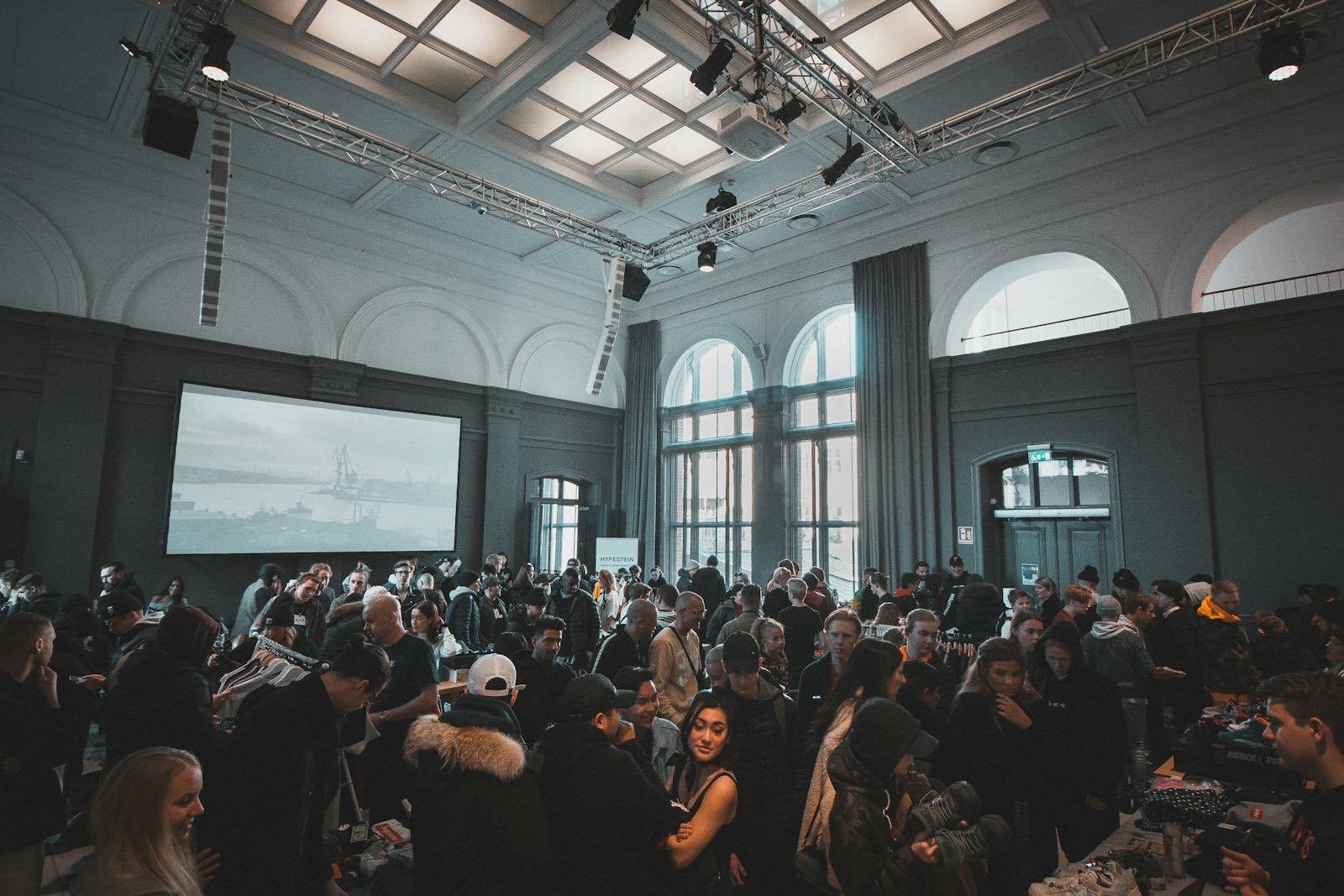
On the day of the corporate party. Employees sit down at the tables, scan the QR code with their phone, go through consent, enter their name and department — and start shooting right away. There's no separate app to install: Proyavka opens in the phone's browser, and signing in takes 10–15 seconds. From there people photograph the way they're used to: selfies at the buffet, shots from the awards, team photos at the team building, goofy pictures from the dance floor. The host gave the corporate photographer a separate token link in advance — they shoot without limits and upload up to 20 finished HD shots from the camera into the same album, so the professional photos sit right next to the candid shots from employees.
While the evening is on. Every new shot is grouped by moment — "Awards", "Buffet", "Team Building", "Dancing" — so the shared corporate album doesn't turn into a dump of a thousand pictures. The host approves photos on the fly from a separate screen: one tap and the shot is in the album, another and it's hidden. This really helps when the party runs past midnight and some employees are already relaxed: nothing inappropriate makes it into the general reveal, let alone the corporate mailout.
The next morning. The album "develops" — corporate party photos open to everyone at once, and the company gets a tidy selection of the evening rather than scattered shots across dozens of department chats. HR or internal communications export the whole album as a ZIP with one button, grab the best employee event photos for a mailout and a post in the corporate channel, and an automatic video capsule of the best moments set to music goes out to the whole company by email. No one writes "please send me the photos", no one loses anything.
What a "department group chat" still doesn't have
- Federal Law 152-FZ consent checkbox — mandatory on first sign-in, with a consent log available to HR
- Host Approval — host moderation with a single toggle, shots visible only after approval
- Name-and-department badges — an A4 sheet with a QR for each employee, printed from the app
- A separate link for the photographer — a personal token link for the corporate photographer: unlimited shooting + up to 20 finished HD shots from a device
- Export of the entire album — one button, a ZIP with original shots and per-moment metadata
- Federal Law 152-FZ — servers in Russia, guest consents, no facial recognition, cashless payment from a sole proprietor
Corporate party preparation checklist
To make sure the shared corporate party photos come together without fuss, keep a short plan on hand. It's designed for an event of 80–200 employees and covers everything — from printing to inviting guests.
- Create the event 5–7 days ahead. Set up the album, pick the "Corporate Party" preset, turn on Federal Law 152-FZ consents and Host Approval. Do it early — so you can calmly show the settings to the HR director and not tweak them on the day of the party.
- Print QR cards for the tables. Count one A6/A5 card per 6–8 seats, that is 1–2 cards per table. For a banquet of 120 people that's roughly 15–20 tables and just as many cards — place them next to the cutlery or stand them in the menu holder.
- Prepare name-and-department badges. If you want employee event photos to be credited automatically, print an A4 sheet with personal QR codes — each employee scans their own and is already logged in with their name and department.
- Give the photographer a separate link. Generate a personal token link for the corporate photographer: unlimited shooting plus uploading up to 20 finished HD shots. Hand it over in person — that way the link doesn't leak beyond the team.
- Invite guests the day before and at the start of the evening. Drop the invite link into the corporate chat the night before, and at the party itself have the host ask everyone from the stage to scan the QR on the table — that's enough for 80–90% of the room to enter the album within the first half hour.
- Assign a host for moderation. Agree on who from the team keeps the Host Approval screen open through the evening — usually the event manager or an internal communications employee. Shots can be approved right from a phone between toasts.
- Plan the morning mailout. Prepare an email for the whole company in advance: the morning after the party, all that's left is to export the ZIP, attach the video capsule and hit "send".
The price of a corporate party — in one line
Frequently asked questions about the corporate album
How does a corporate party comply with Federal Law 152-FZ?
When entering the album, an employee ticks a consent checkbox for processing their photos and publishing them in the company's private album. Servers are in Russia, with no facial recognition. Consents are stored and available to HR in an export — this takes the risk off the HR director.
How do you build one shared corporate album so photos don't scatter across department chats?
All employees shoot in a single app, and the shots land in one shared corporate album rather than in dozens of department chats. No one forwards photos by hand, nothing gets lost in messaging, and by morning HR sees the full selection from the evening in one place.
What kind of corporate party photo app is this, and do employees need to install anything?
Proyavka opens from the QR code on the table right in the phone's browser — there's no separate corporate party photo app to install. An employee scans the code, signs the consent, enters their name and department and starts shooting in 10–15 seconds.
Can inappropriate shots be hidden before the general reveal?
Yes. Turn on Host Approval with a single toggle — new shots are seen only by their author, while the host approves them on a separate screen. Perfect when the corporate party runs past midnight and employees are in varying states.
When is it better to reveal corporate party photos — right away or after the party?
By default the album "develops" after the event: corporate party photos open to everyone at once the next morning, so the evening doesn't turn into scrolling other people's feeds. If you want a live feed in the room, instant display mode switches on with a single toggle.
How much does a corporate party for 120 people cost?
The Big Event plan — 4,800 ₽ per event for up to 200 people. One-off, by bank transfer on an invoice from a sole proprietor. No subscription needed.
Can you give the photographer unlimited shooting?
Yes. The host generates a separate token link for the photographer: unlimited shooting in the app and uploading up to 20 finished HD shots from a device. This link won't leak — only the host hands it out.
How do you collect employee event photos by department and name?
Everyone enters their name and department at sign-in, so employee event photos are credited to their author, and shots are grouped by moments — "Awards", "Buffet", "Team Building", "Dancing". Internal communications can easily assemble a selection for a specific department or person.
Can the whole album be exported for an internal communications report?
Yes. The host downloads the entire album with one button as a ZIP with original shots and per-moment metadata. Handy for an internal PR report and for sending the best shots across the company.
And where do the photos go after the corporate party?
The album stays available to the host and employees for 3 years. Download everything with one button — yes. Delete — yes. At an employee's request we'll delete their shots under Federal Law 152-FZ.
Bring your corporate party into one album — with no risk for HR
Creating it takes a minute. Employees don't need to install anything, and they sign consent via a checkbox.
Create a corporate album